Quick Summary
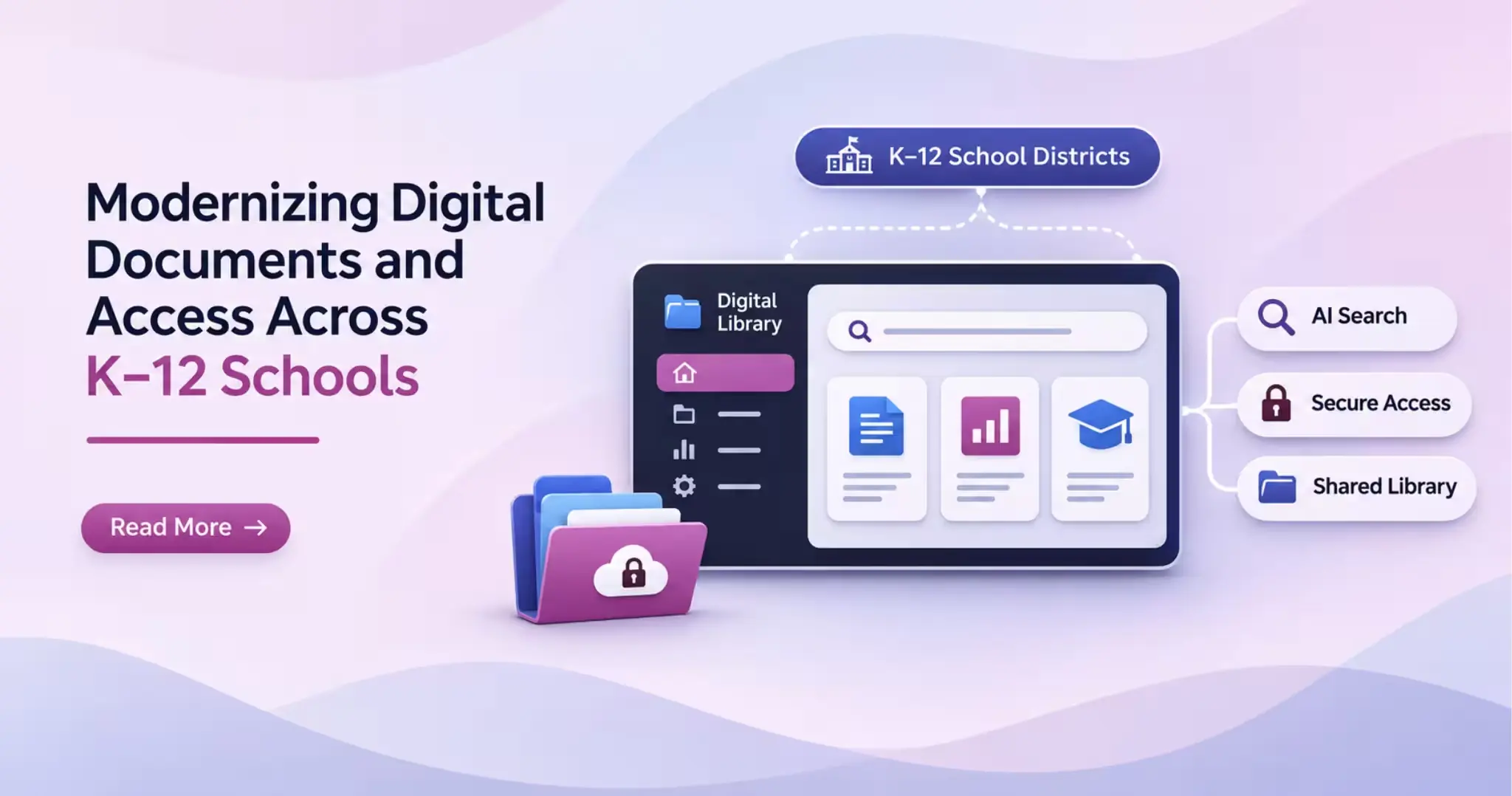
A centralized digital library helps K–12 districts organize digital assets, protect information, and support learning across schools. Moving from paper-based processes and scattered folders to an E-Library gives teams a consistent way to manage documents, find materials, and share them with the right audience. AI-powered search, role-based access, and system integration support that work.
Why Does a Centralized Digital Library Matter?
Districts build valuable collections over time. Reference documents, worksheets, presentations, and videos support instruction and daily operations. A centralized E-Library makes those assets easier to maintain and reuse across classrooms, grades, and schools.
A shared structure also preserves continuity when responsibilities change. New staff can find materials through agreed categories, while administrators know who maintains each collection.
How Can Districts Move From Paper to an E-Library?
The transition begins with identifying which paper materials remain useful and which digital documents are ready to organize. Scanned files need accuracy checks, clear names, and appropriate permissions before they become part of a searchable collection.
A phased approach helps schools maintain continuity
- Review existing materials. Identify current documents, duplicates, ownership, and sharing permissions.
- Establish a common structure. Agree on categories, user roles, and responsibility for updates.
- Introduce one collection first. Test retrieval and access with staff, gather feedback, and expand.
How Can Technology Give District Teams Time Back?
Manual retrieval often includes several small tasks. A staff member locates a folder, checks whether a document is current, and sends another copy. Repeated across a school week, these steps take time.
AI-powered search allows educators to describe what they need in everyday language. Filters narrow results by subject, grade, file type, or standards alignment. Authorized users can retrieve materials directly.
Districts can measure savings specifically by comparing document retrieval time and staff requests before and after implementation.
How Does Our E-Library Support Secure Modernization?
E-Library is designed to support K–12 privacy requirements, including FERPA compliance, role-based access, and data encryption.
These safeguards help protect information while giving teachers, students, and administrators views appropriate to their responsibilities.
Secure modernization combines those controls with clear district procedures. Permissions need to reflect staff responsibilities as they change, and teams need a defined process for managing sensitive documents.
Keeping Learning Materials Available Beyond the Classroom
A teacher may introduce a video during an in-person lesson, then make it available for review at home. Students learning remotely can access the accompanying slides or worksheet through the same organized collection.
SIS and LMS integration helps the library fit existing school workflows. During implementation, teams can confirm supported connections, information exchange, and permissions.
24/7 access supports different learning schedules, while suitable formats and attention to connectivity help students use materials beyond the classroom.
Building a Lasting Digital Foundation for Your Schools
The move from paper-based processes to an E-Library gives districts a foundation for managing information as their needs evolve. Searchable materials, secure access, and integration with existing systems help teams spend less time retrieving documents and more time using them.
With clear ownership and regular review, the K-12 Digital library remains useful across schools and learning settings.
FAQs
What is a digital library for K–12 schools?
An E-Library organizes digital documents and learning materials in a searchable online collection, with access tailored to teachers, students, and administrators.
Can paper materials be added to an E-Library?
Yes. Suitable paper materials can be digitized, checked for accuracy, and organized with categories and permissions before upload.
How does AI-powered search help educators?
Educators can use natural-language queries and filters to find materials by subject, grade, format, or standards alignment.
How does the E-Library support data security?
StrategicPlan360’s E-Library uses role-based access and encryption to support secure sharing and district privacy requirements.
Can the E-Library work with existing school systems?
Yes. It supports SIS and LMS integration. District teams can confirm specific connections and implementation requirements during planning.