

,
Built for Schools

Streamline requests, resolve issues faster, and keep your district connected all from one intuitive dashboard that saves time and simplifies support.

Simplifying IT Complexity
Across the District
Key FeaturesThat Simplify District IT Management

Centralized Service Desk

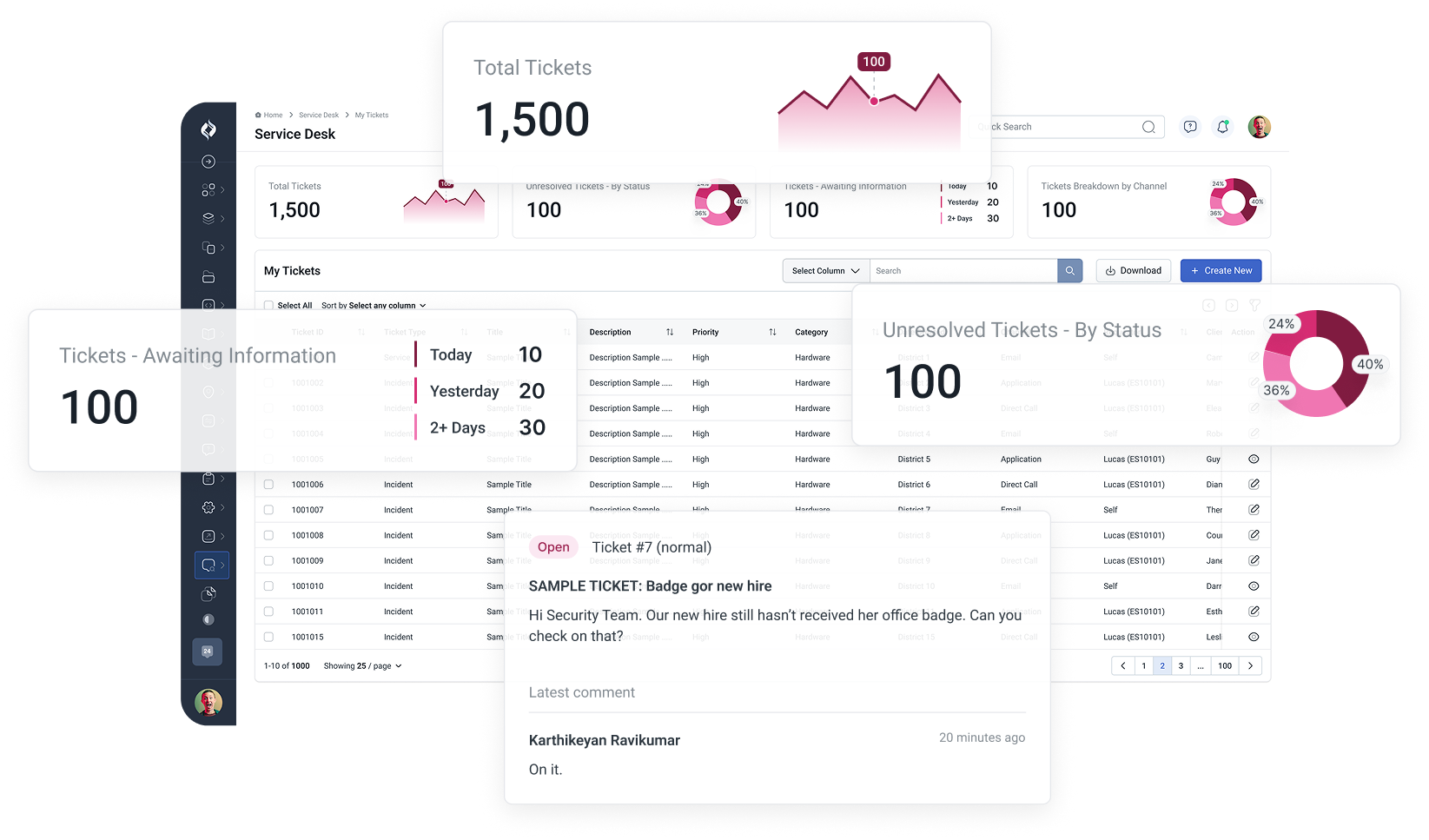
Manage all IT requests, incidents, and tickets in one place. Staff can easily log issues, track status, and communicate with IT teams without switching platforms.
Smart User Portal

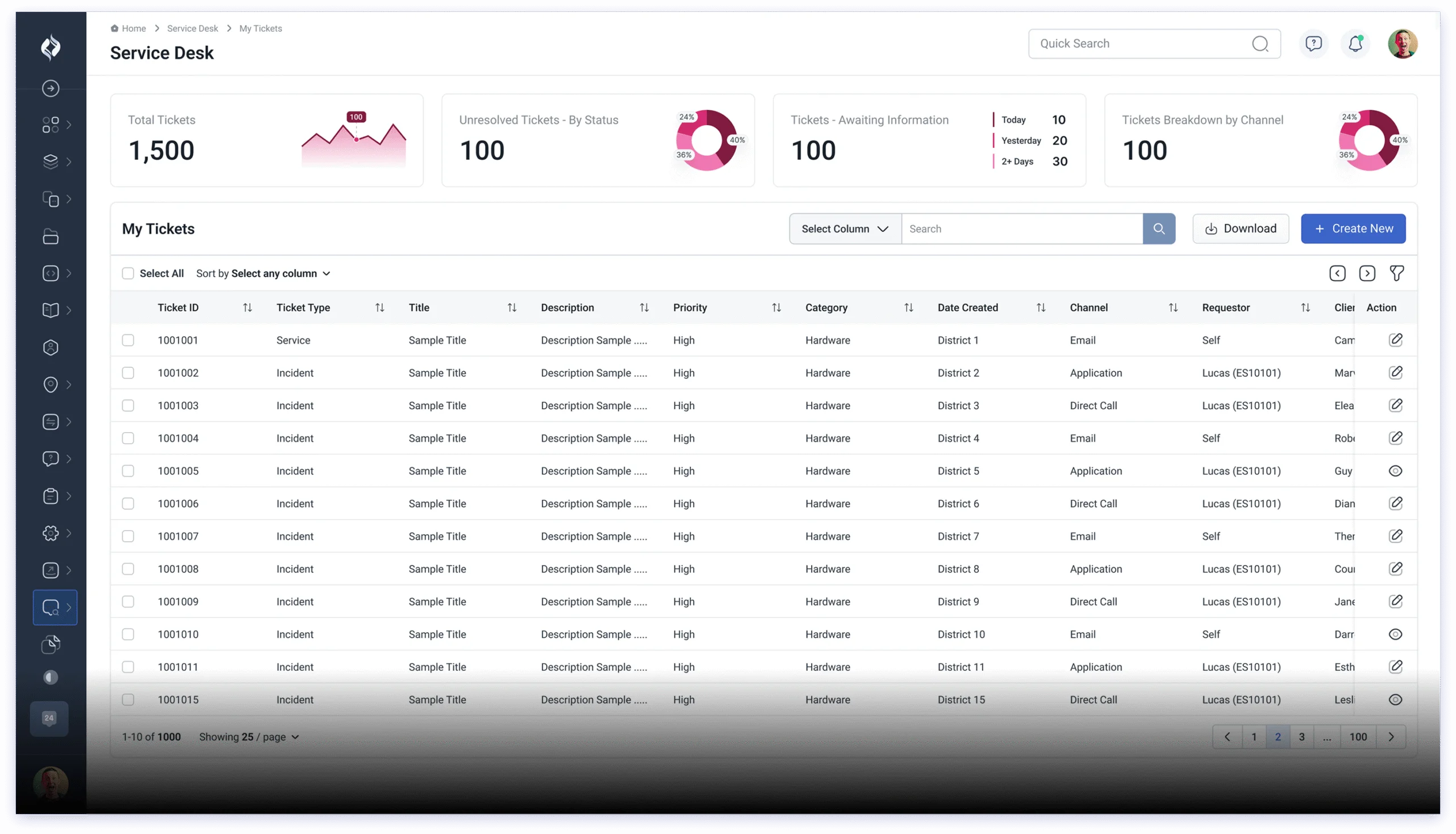
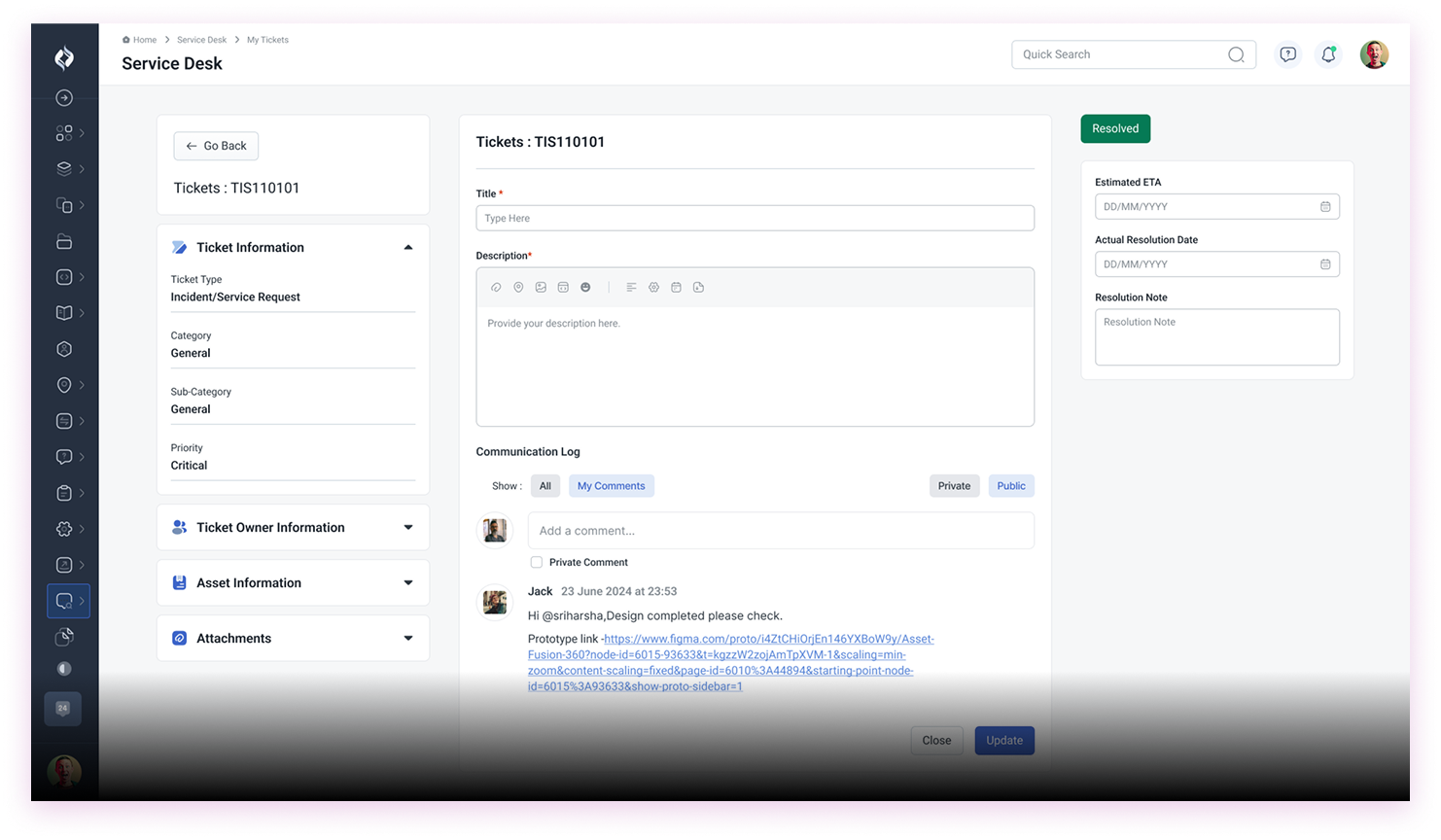
Designed for simplicity, the end-user view gives staff and teachers an intuitive way to report issues, submit requests, and monitor ticket status. Each user has a personalized “My Tickets” section showing open, in-progress, and resolved requests making IT communication effortless.
Unified Ticket Management

ITSM centralizes all incident reports and service requests in one easy-to-navigate dashboard. Whether it’s a lost password, network issue, or a device request, users can quickly log tickets, track their progress, and view updates in real time ensuring transparency and accountability across the district.
Technician Workbench

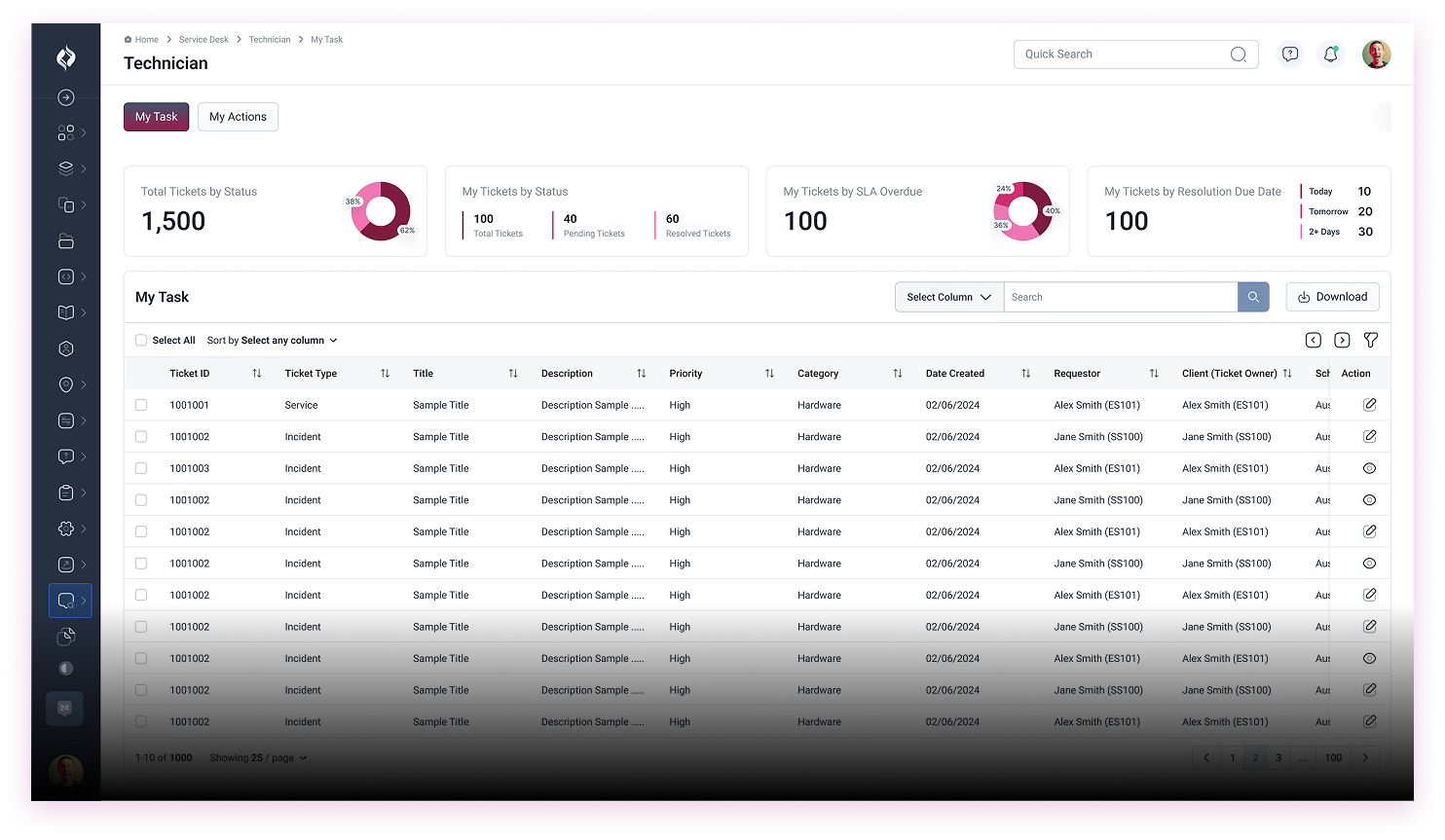
For IT teams, ITSM provides a powerful technician dashboard that organizes tickets by category, team, and priority. Technicians can view all assigned tasks, track pending and resolved issues, and manage workloads efficiently with built-in metrics and performance summaries.
Integration with Asset Fusion

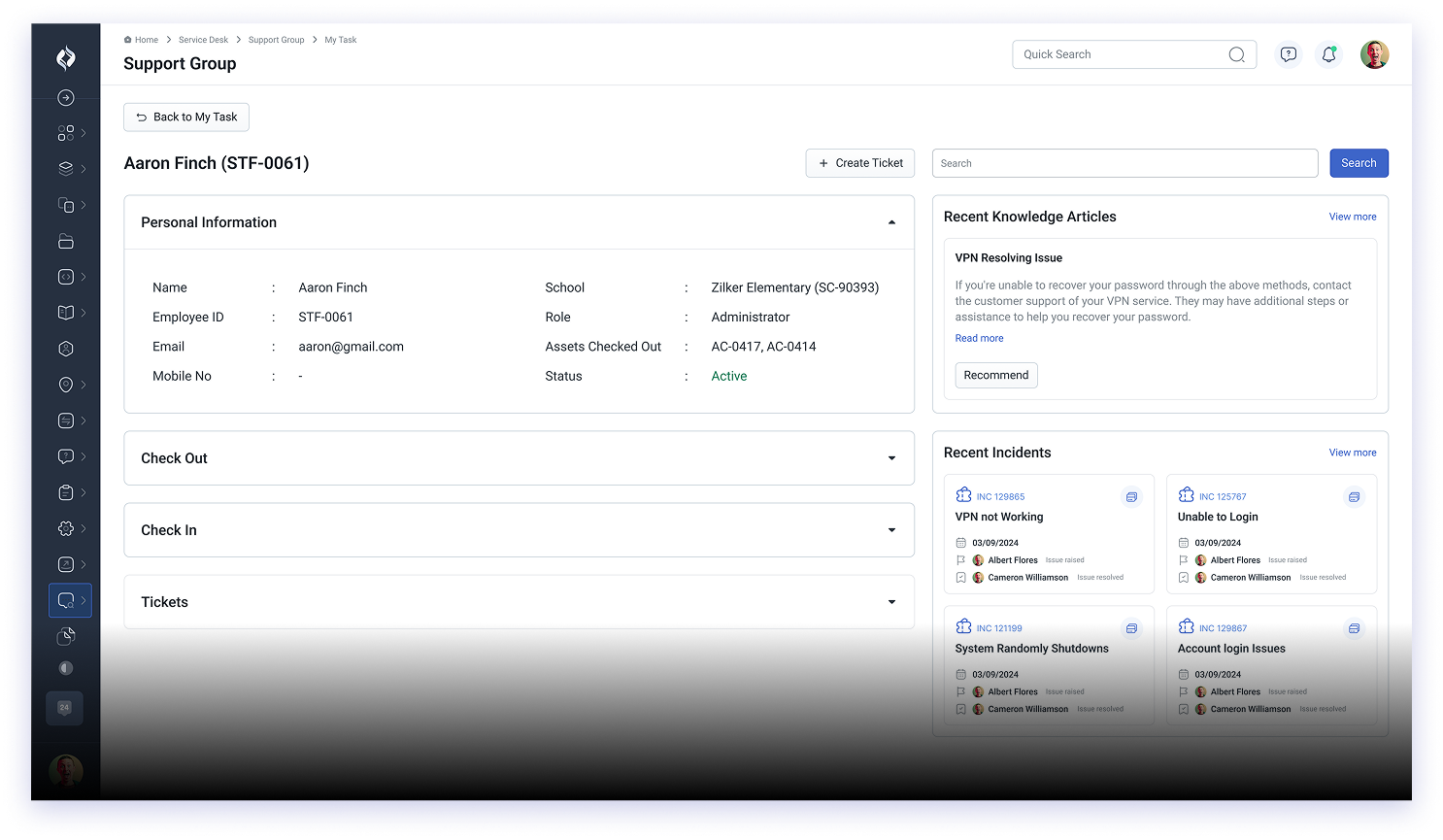
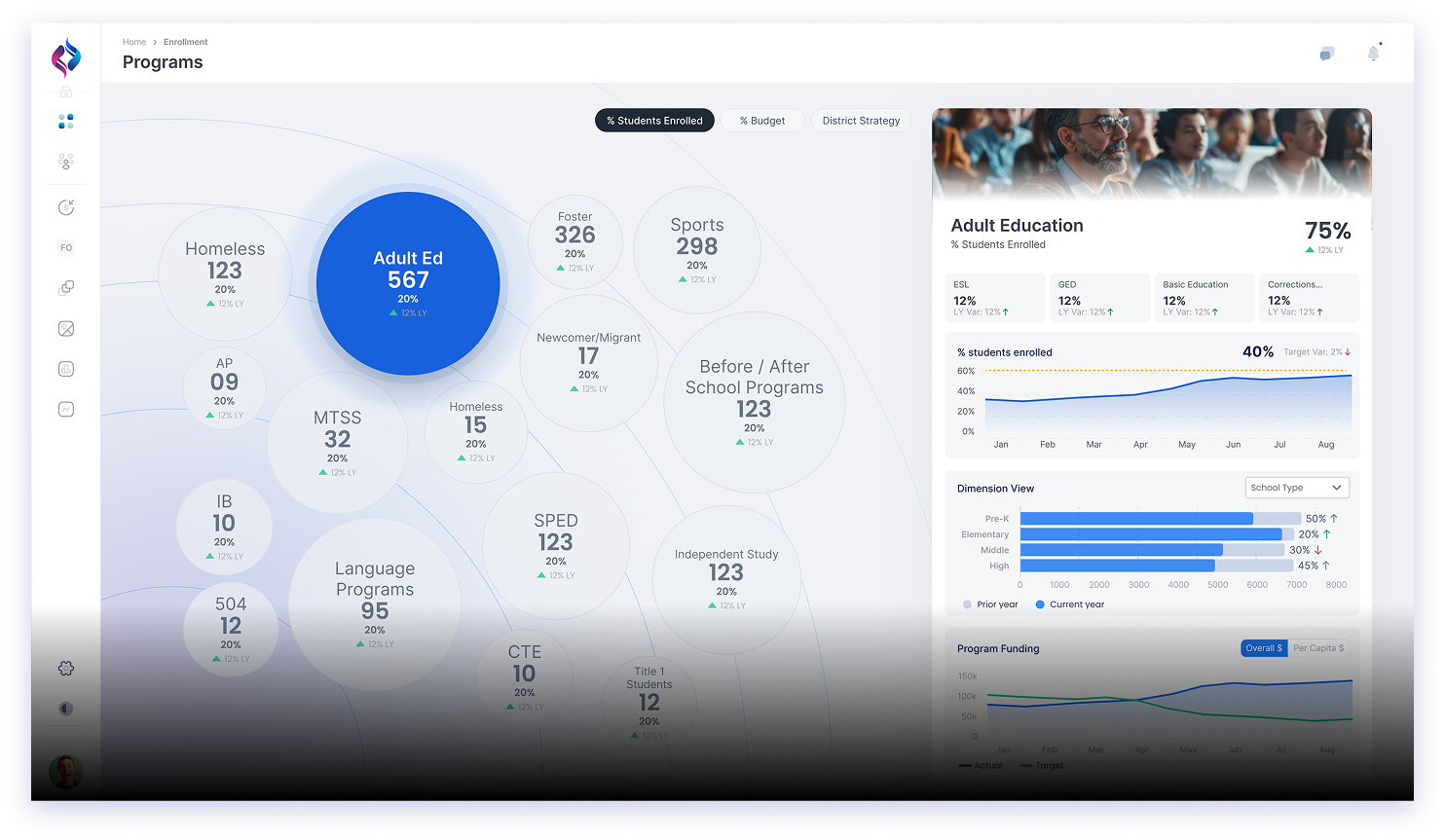
ITSM integrates natively with Asset Fusion, connecting every service ticket to its associated asset. Whether it’s a laptop, projector, or network device, IT teams gain full visibility into its history, warranty, and usage — enabling faster, data-driven troubleshooting

Improved Response Times

Automate routine tasks and focus on high-priority issues.

Smarter Resource Management

Balance workloads and track performance metrics easily.

Transparency & Accountability

Every request and resolution is visible in real time.

Benefitsfor School Districts

Reduced Downtime

Identify and address recurring problems faster with
AI-driven insights.

Connected Ecosystem

Integrates seamlessly with Asset Fusion and strategic dashboards for unified IT and operational visibility.

Frequently Asked
Questions (FAQs)

1. What is ITSM?

ITSM is a modern IT Service Management platform built for school districts. It centralizes ticket creation, tracking, and resolution while giving IT teams real-time visibility into service performance across schools and departments.

2. Who can use ITSM within a district?

ITSM is designed for everyone in your district’s technology ecosystem — teachers, staff, and administrators can log requests or report issues, while technicians and IT leaders manage, assign, and track tickets through a unified dashboard.

3. Can ITSM handle both district-level and school-level support?

Yes. ITSM supports both levels of operation.
School-level tickets (like classroom projector issues) go to the local support team, while district-level tickets (like staff onboarding or system-wide upgrades) route directly to the district IT team.

4. Does ITSM integrate with Asset Fusion?

Yes. ITSM connects seamlessly with  Asset Fusion, allowing tickets to be linked to specific devices or assets. This helps technicians quickly identify asset details, service history, and warranty status — all from within one system.

5. How can our district get started with ITSM?

Getting started is easy. Our team will align ITSM with your existing systems and structure to ensure a smooth rollout.
Request a Demo or connect with us to learn how ITSM can streamline your district’s IT support.

An AI-Powered ITSM Built for K-12 Technology Teams

Simplify support, speed up resolutions, and give your district IT team the clarity and control they need—all in one dashboard.

Centralized Ticketing Across Schools and Teams

Smart Portal for Staff and Teachers

Real-Time Technician Workbench

Asset-Linked Requests with Full Service History